

This guide will show you how to kick-start your 7 Days To Die server.
1. Login to your Game Control Panel.
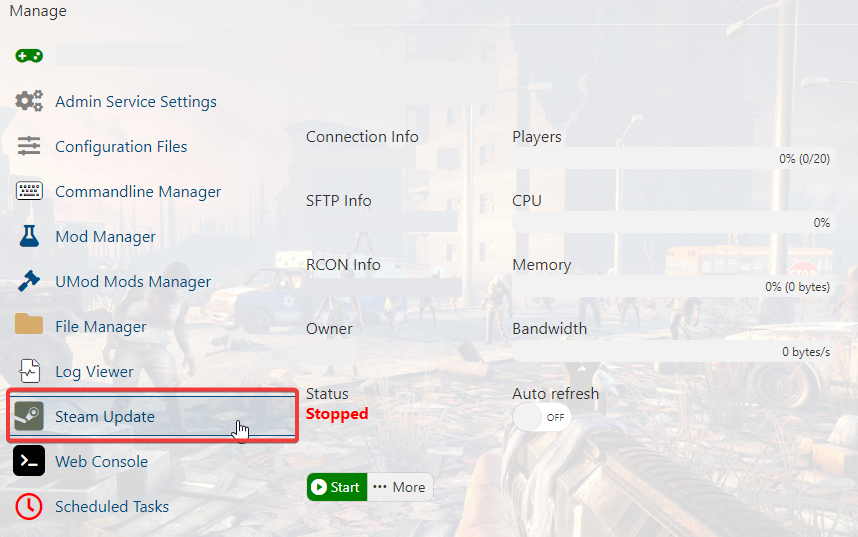
2. Make sure to update your server by running Steam Update.
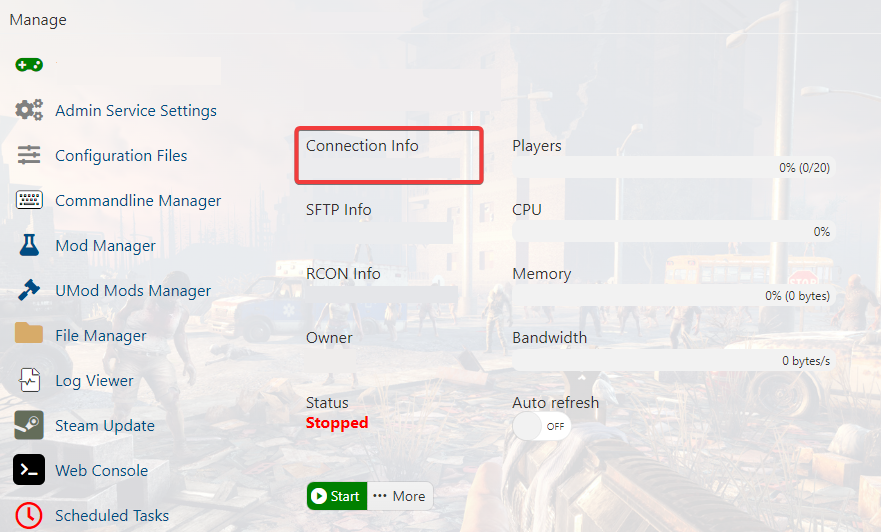
3. Copy the Connection Info IP/Port listed.
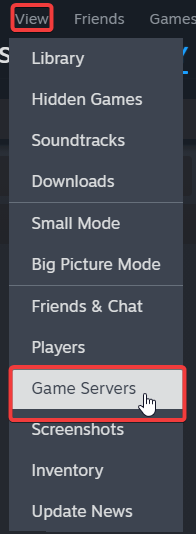
4. Open Steam. Click the View tab, then click Game Servers.
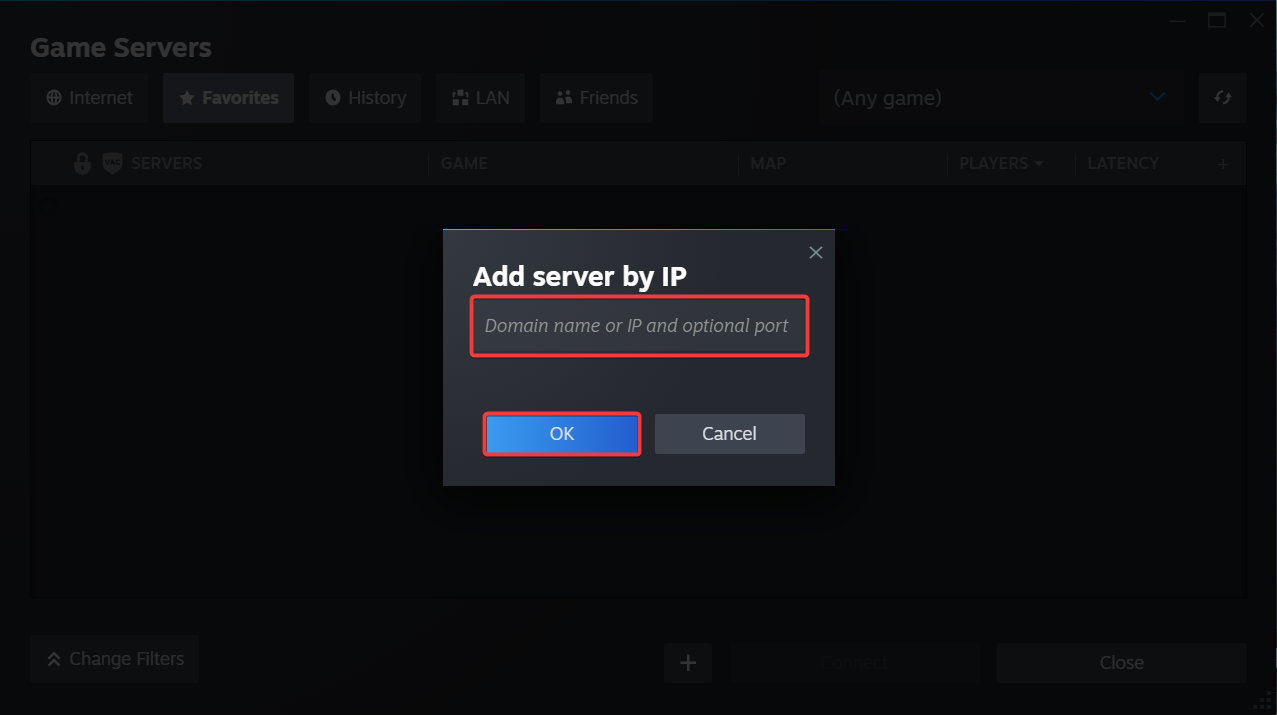
5. Click on the Favourites tab, then click + sign and Add Server.
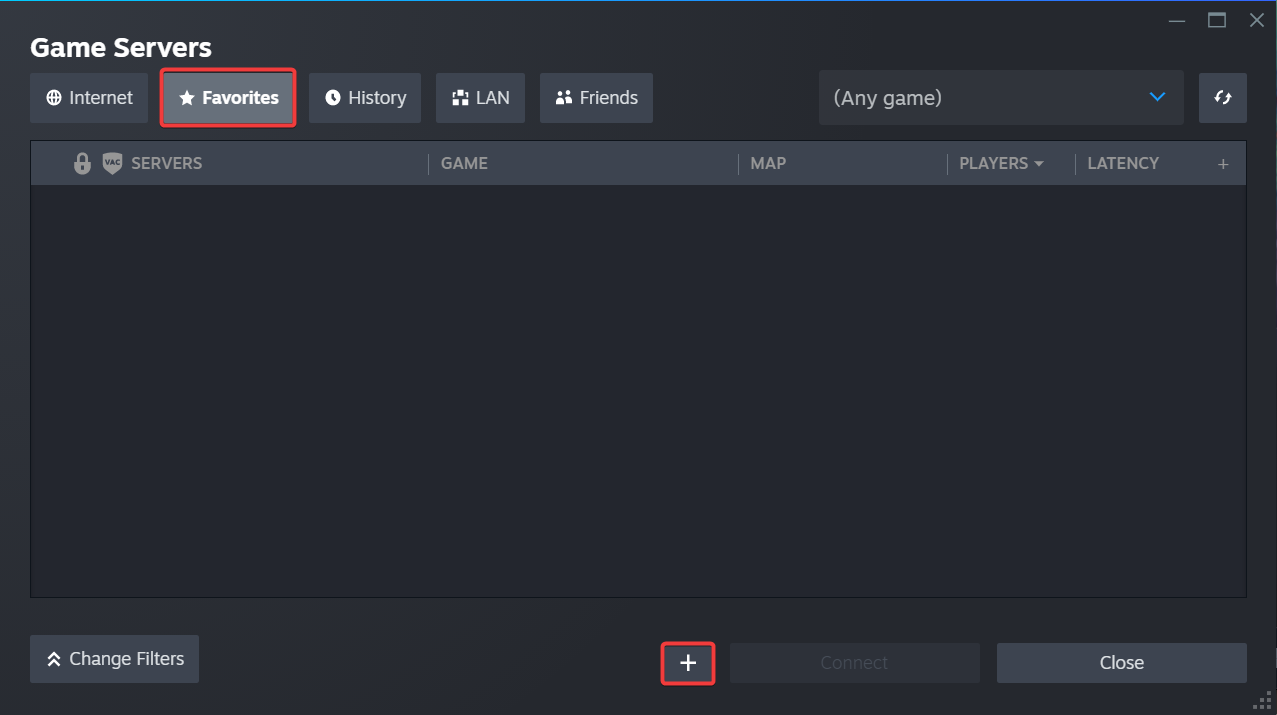
6. Paste in your server's Connection Info IP/Port.
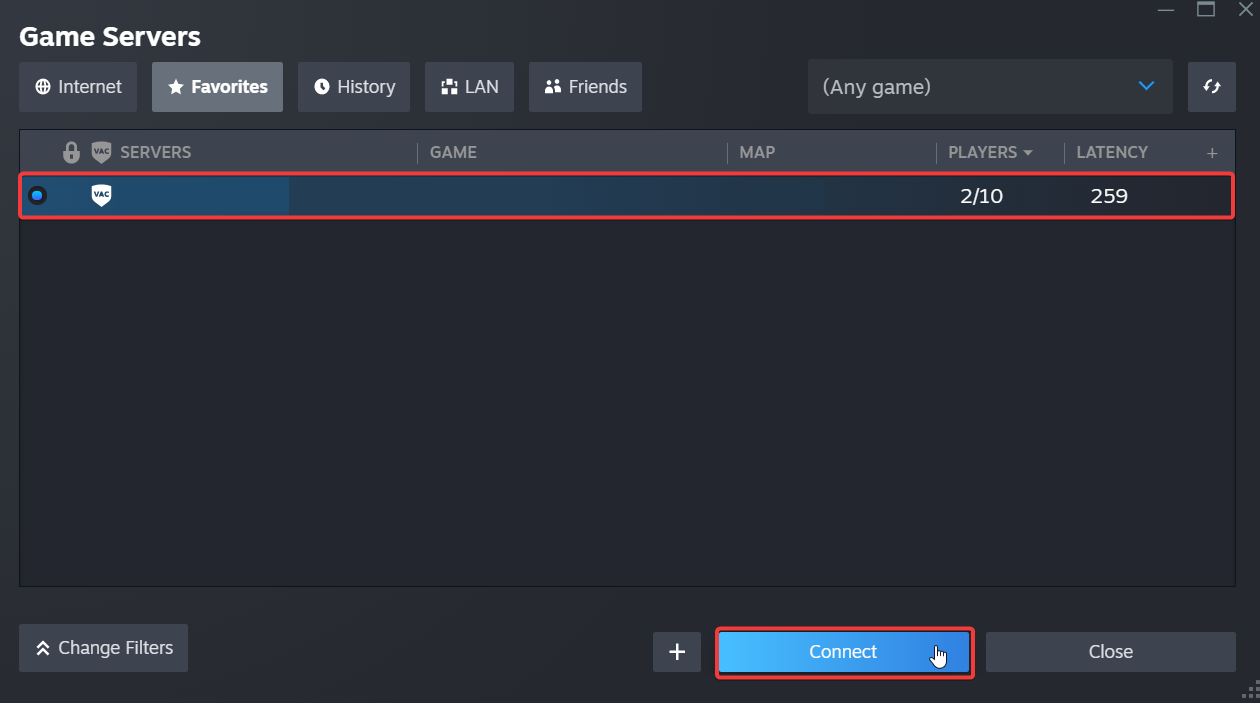
7. Click Connect.
Did the above information not work for you?
Please click here to contact our support via a ticket.
