

This guide will help you learn how to delete a Prospect from your ICARUS Server
Rent an Icarus Server with Citadel Servers Today
Managing an ICARUS server often involves more than simply starting and stopping the server. As your server develops, you may eventually need to clean up old or unused Prospects, remove abandoned saves, or make room for new gameplay sessions. Deleting a Prospect from your ICARUS server can help keep your server’s saved data organized and prevent outdated sessions from accumulating over time. A Prospect represents a saved gameplay session in ICARUS, containing the world and progress associated with that session. Before deleting one, it is important to identify the correct Prospect and understand where its save data is stored. Removing the wrong files or directory could result in the loss of a Prospect you or another player still wants to use. In this guide, we’ll walk you through how to delete a Prospect from your ICARUS server safely and correctly. We’ll cover how to identify the Prospect you want to remove, stop the server before making changes, locate the relevant save data, and delete the appropriate files. We’ll also highlight important precautions to take before deleting a Prospect, particularly if your server is shared with other players. Whether you’re cleaning up completed Prospects, removing unused saves, troubleshooting a problematic session, or simply maintaining your server’s storage, the steps below will help you remove the Prospect without accidentally affecting other server data.
Deleting a Prospect from Your ICARUS Server
1. Log in to your Game Control Panel and navigate to your service.
2. Before making any changes, ensure that your server is fully stopped.
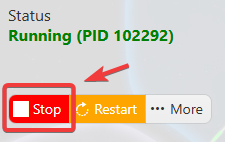
This helps prevent configuration changes from being overwritten or reverted to their default values.
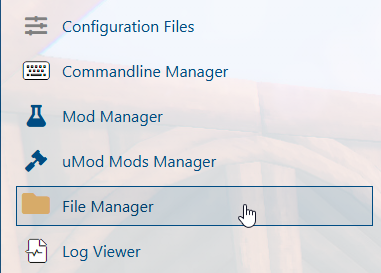
3. Navigate to the File Manager tab to access your server files.
4. In the File Manager, please navigate to the following directory: /home/container/Icarus/Saved/PlayerData/DedicatedServer/Prospects.
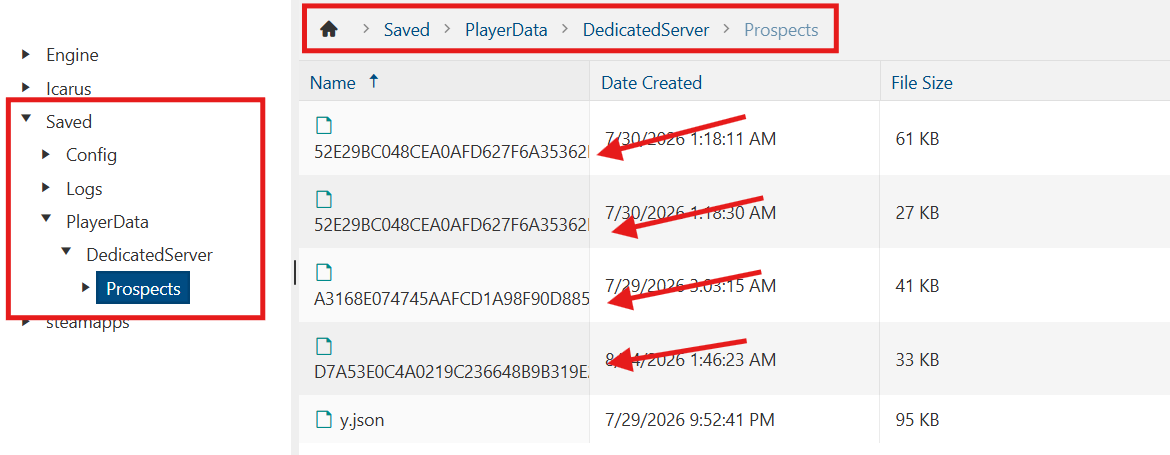
5. Delete the desired prospect from the directory, then restart the server.
(Note: Open the .json file to review the prospect details and associated information.)