
This guide will show you how to kick and Remove Players from your Enshrouded Server
Not a client yet? Order an Enshrouded Server today with Citadel Servers
As a server owner or administrator, you may occasionally need to remove a player from your server. Whether you're dealing with disruptive behavior, enforcing server rules, or simply need to free up a player slot, knowing how to properly kick players can help you maintain a smooth and enjoyable experience for everyone. In this guide, we'll walk you through the steps to kick and remove players from your Enshrouded server, making it easy to manage who can access and play on your server.
Kicking and Removing Players on Your Enshrouded Server
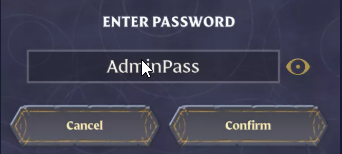
1. Join the server using the Admin Password or a custom role that has kick permissions. This ensures you have the necessary administrative privileges to remove players from the server.
2. Press O to access the Social menu, where you can view and manage the players currently connected to the server.
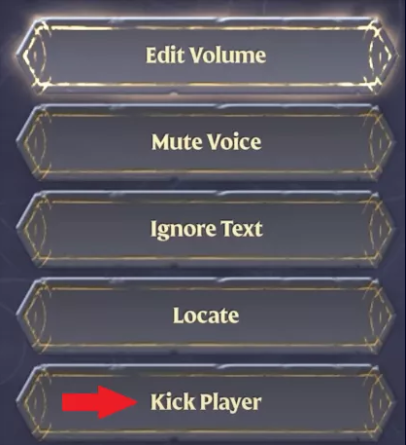
3. From the player list, select the user you want to remove/kick.
4. Choose Kick Player to remove the player from the server and end their current session.
Did the above information not work for you?
Please click here to contact our support via a ticket.