

This guide will show you how to kick-start your MX Bikes game server.
Click here to order your MS Bikes server with Citadel Servers today!
1. Log in to your Game Control Panel.
2. Open the Updates Tab and install the current version.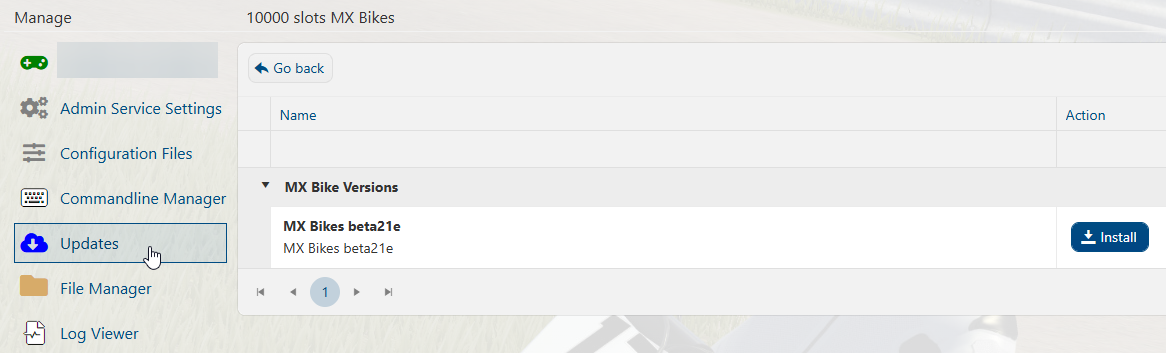
3. Once it has finished installing, open the Configuration Files tab.
Find the settings.ini file and select the Text Editor button for it.
Each command has a brief description of what it does and the recommended values.
Choose the value you want, and then copy it to the left of the semicolon(";").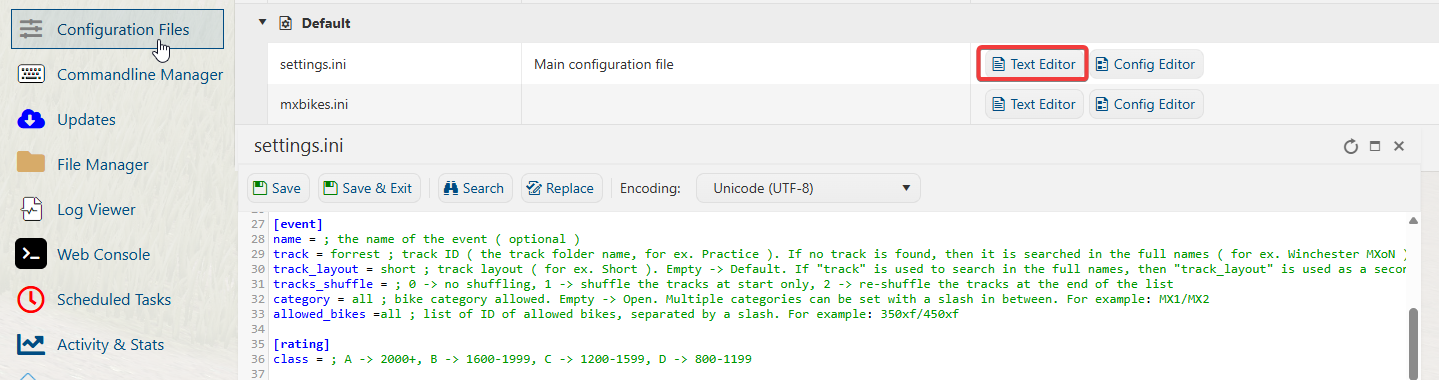
4. You can now start your server.
Did the above information not work for you?
Please click here to contact our support via a ticket.