

This guide will show you how to create and host a Mow‑the‑Lawn Game in the S&Box Server
Creating a Mow‑the‑Lawn game in s&box is a perfect way to blend simple mechanics with the platform’s powerful sandbox tools, giving you a fun, fast‑paced minigame that anyone can jump into. Whether you’re experimenting with custom gamemodes, building a community server, or just looking for a lighthearted project to learn the s&box workflow, this guide walks you through the entire process from concept to hosting. You’ll learn how to structure your gamemode, set up the logic that powers the mowing mechanics, and configure your server so players can join and start cutting grass right away. By the end, you’ll have a fully playable Mow‑the‑Lawn experience running on your own s&box server, complete with custom rules, scoring, and whatever creative twists you decide to add.
Building a Mow‑the‑Lawn Game Mode on Your S&box Server
1. Log in to your Game Control Panel.
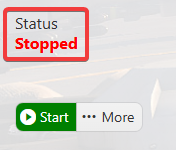
2. Make sure your server is fully stopped before making any changes.
3. Navigate to the Commandline Manager Tab.
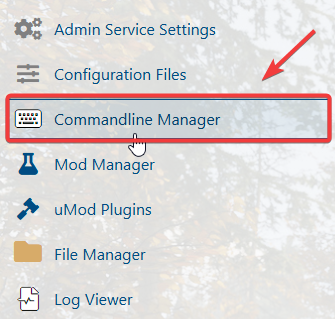
4. Open the Commandline Manager, then click Modify beside the Custom Gamemodes command line. Set the Gamemode to run field to taxi.mow_the_lawn.
Keep the Load Map field empty so the server loads the game’s included map.

Click the Apply button to save the changes.
5. Start the server to launch the new map on your server.

Did the above information not work for you?
Please click here to contact our support via a ticket.
