

Click here to order your AAPG server with Citadel Servers today!
This guide will show you how to install Steam Workshop maps on your AAPG server.
1. Log in to your Game Control Panel.
2. Open the Steam Workshop panel in the Sidebar.
You can utilize the filters above the page to sort the most popular maps.
You can also use the Search bar to find specific maps you want to install.
Click Install on the map you want to download, and our system will download it to your server.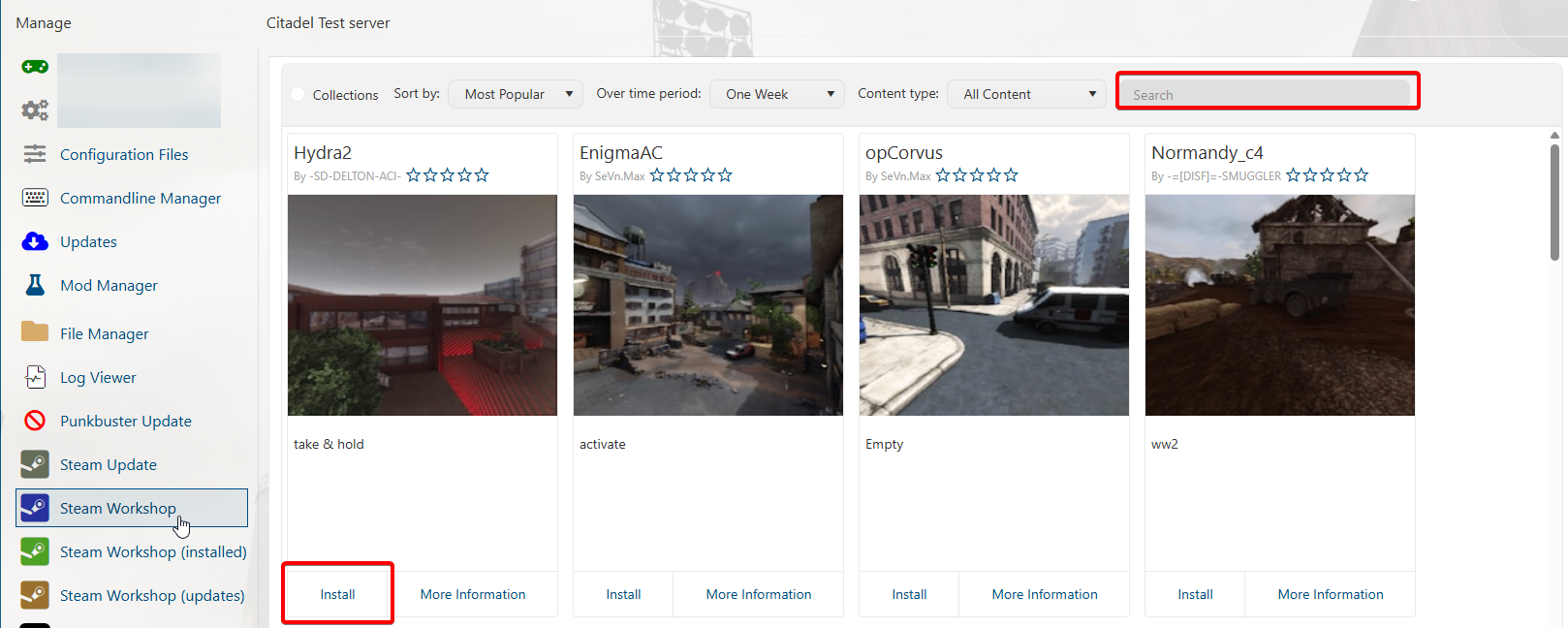
3. You can now start the server, and the map will be available for admins to switch to.
To add the map(s) to the player voting list and map rotation, follow this guide.
Did the above information not work for you?
Please click here to contact our support via a ticket.
