

This guide will show you how to update your Hytale Server .
Click here to order your Hytale server with Citadel Servers today!
1. Log in to your Game Control Panel.
2. Click the Download/Update Hytale button.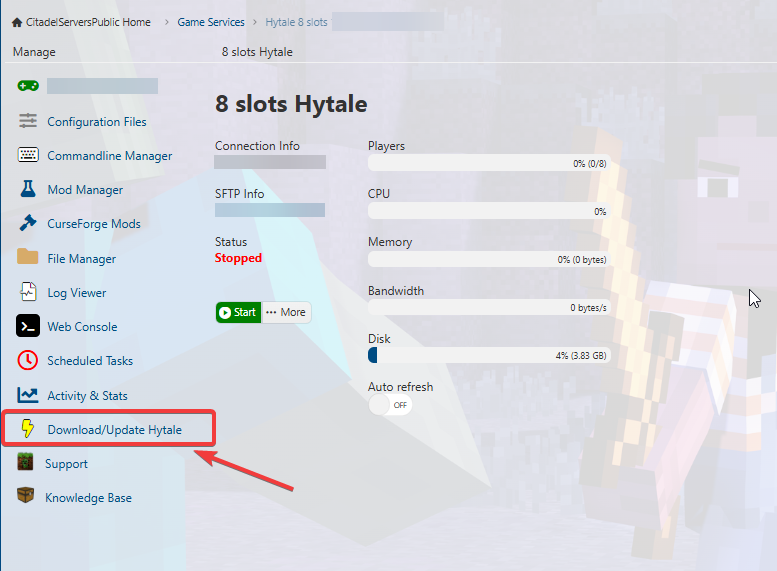
3. Wait for the Download to finish. It may take a couple of minutes. It will look like the image below: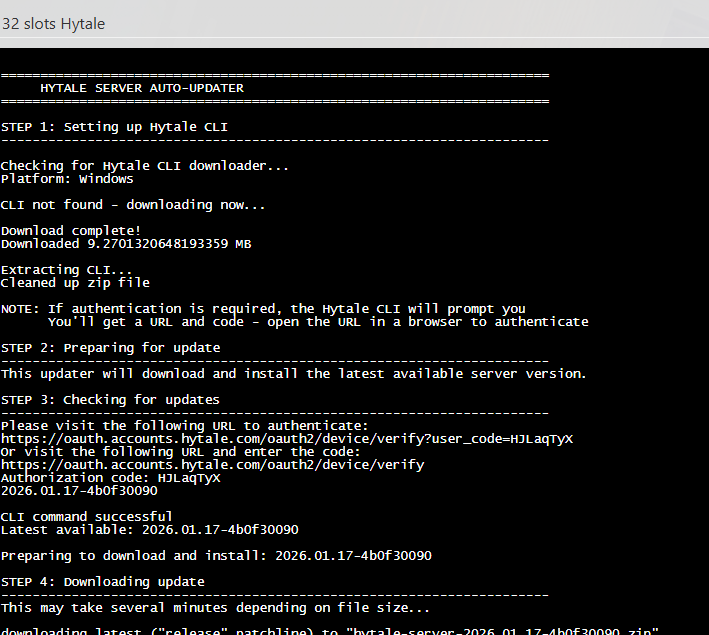
4. Once completed, you will have to authenticate it much like when the server starts first time. Follow our guide here: Hytale Authentication Guide
Did the above information not work for you?
Please click here to contact our support via a ticket.
