

This guide will show you how to fix errors when joining raids in
Escape from Tarkov: SPT Fika Dedicated Server.
Click here to order your EFT: SPT Fika Server with Citadel Servers today!
Join the server as you would normally.
Follow this guide for the steps on how to connect to the server.
For Players Hosting the Raid
Once you have joined the server, try hosting a raid.
If an error message appears and it says "UPnP mapping failed",
then it's an issue with the player host and their ports.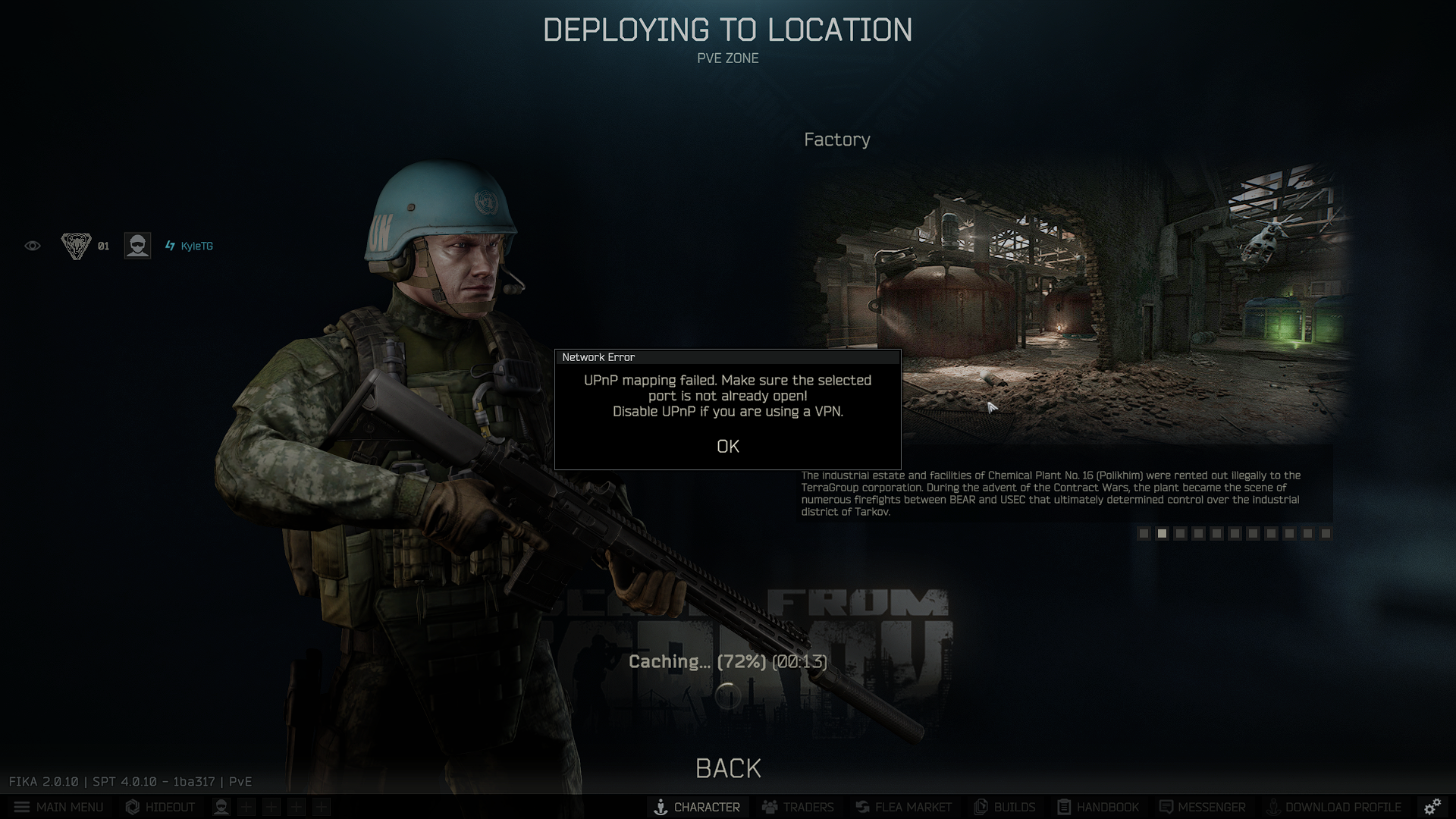
This is an issue with the PC/Router/Modem setup of the player host of the raid instance, not the server.
The person hosting the raid will need to have Port 25565 port forwarded for others to join them.
The player host of the instance can try to resolve this by staying in-game and pressing F12 to open settings.
While in this menu, search for "Use UPnP" and set it to enabled. That should hopefully be enough.
The host can also change the Port to use in case they have another one already open. Restart the game to apply.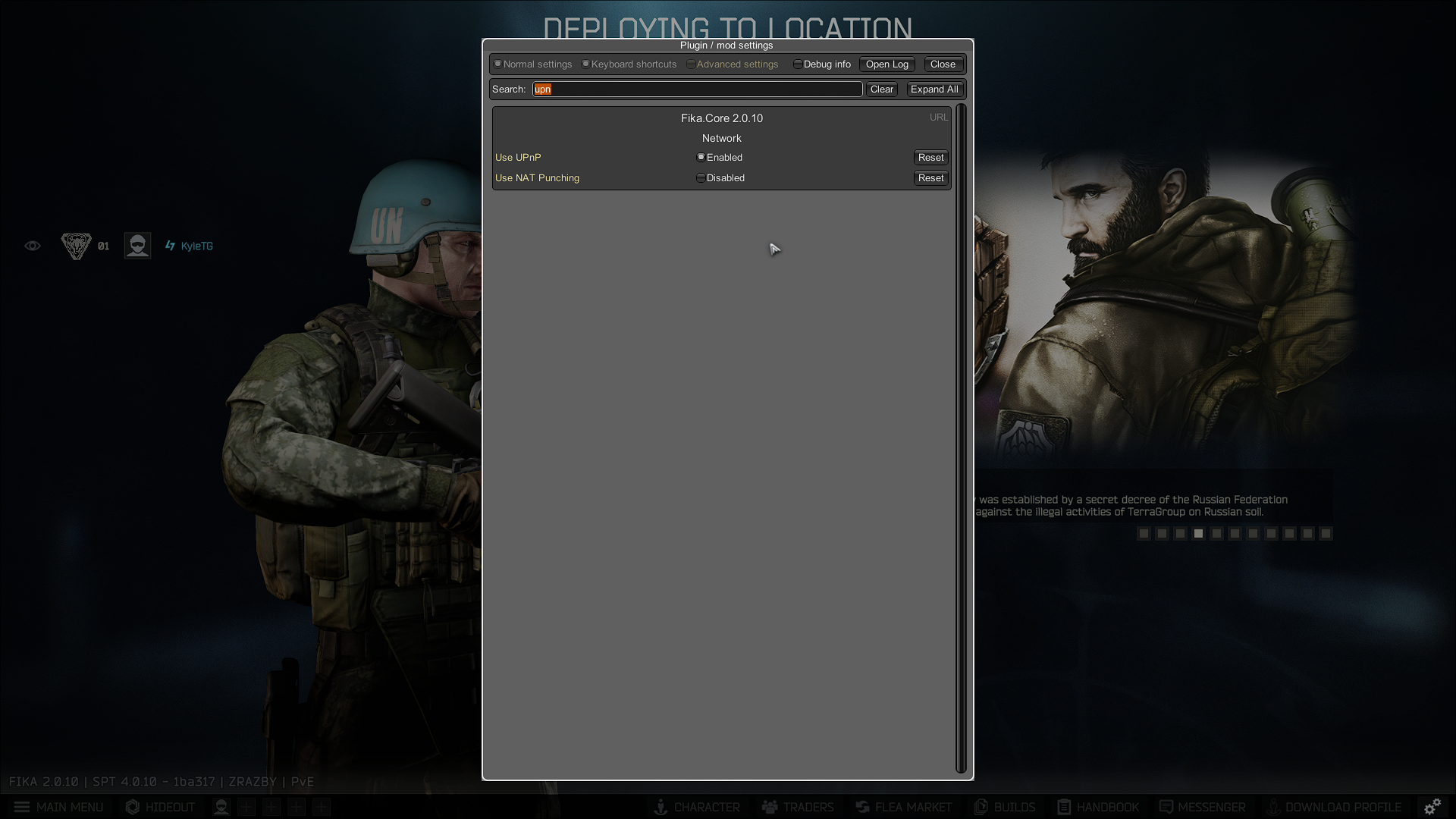
If this does not work, then the hosting player would need to edit their Ports directly.
They only need to port forward port 25565 for this to work if they don't have other ports already open.
The host can use these resources to learn how to do so:
https://portchecker.co/
https://www.noip.com/support/knowledgebase/general-port-forwarding-guide
https://wiki.project-fika.com/faqandguides/advanced-how-fika-establishes-raid-connections
The way to do this may be different from setup to setup, depending on the router.
Please check your router or modem's manual to see how to port forward.
For Players Joining the Raid
If you are not the instance host and are joining a raid instance instead,
but get this error when joining the raid. Then it's the same issue as above.
It's a host error, and sometimes it does not output an error for the host's end when they start the raid.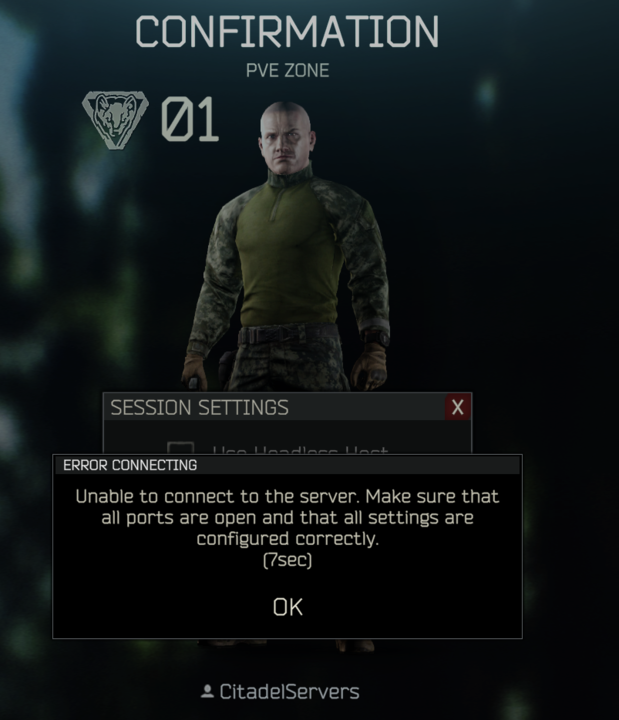
Please ask the host of the raid to do the steps from the previous section.
The other players waiting to join a raid can try hosting it themselves.
Some routers may already have port 25565 open, or may have easier methods to port forward it.
Once Port 25565 is port-forwarded by the host of the instance,
Any player on the server can join the raid without any modifications on their end.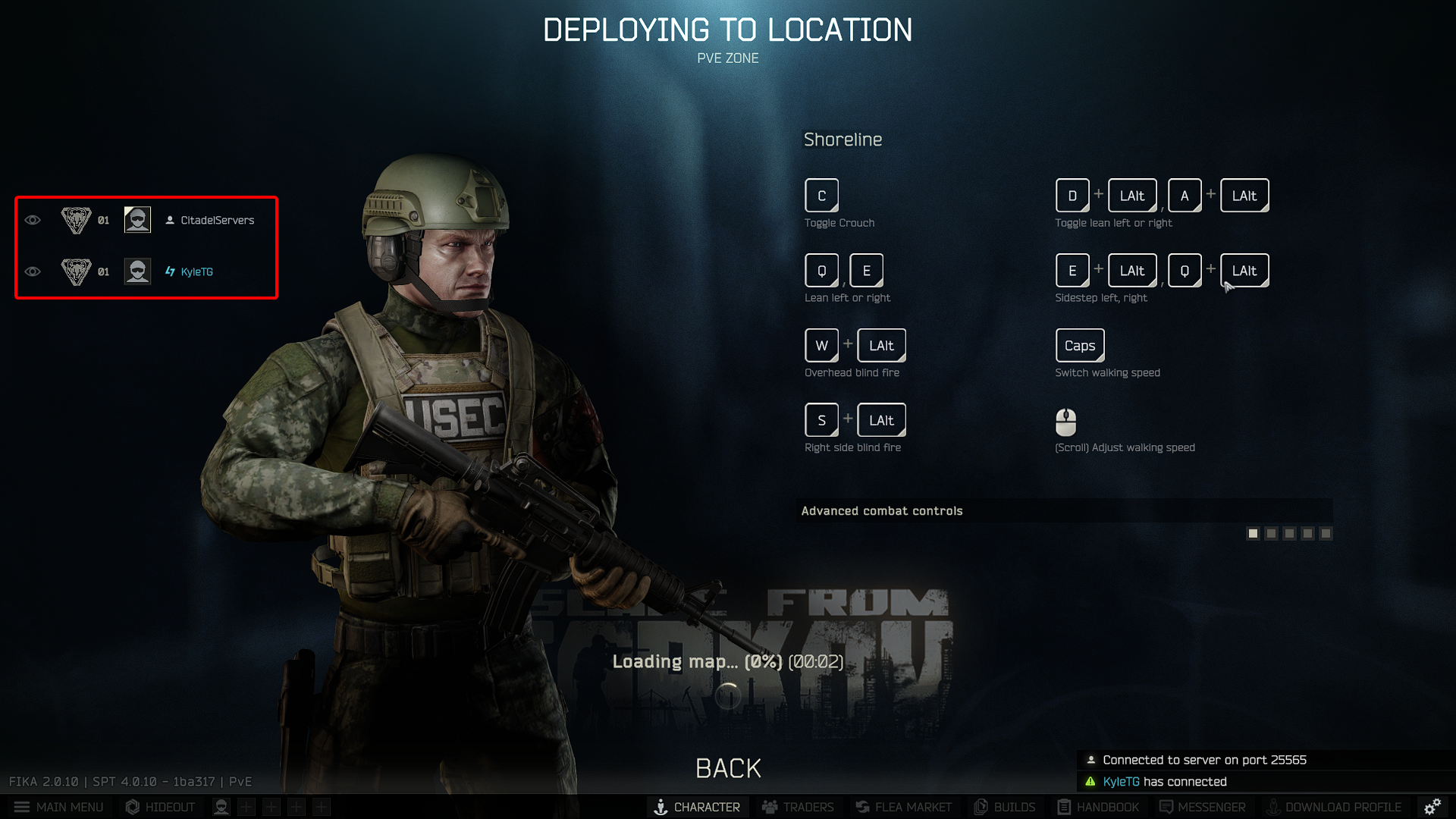
Did the above information not work for you?
Please click here to contact our support via a ticket.
