

This guide will show you how to reset the save data on your The Isle server.
Click here to order your Isle server with Citadel today!
1. Log in to your Citadel Servers Game Panel and stop your server.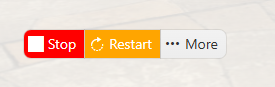
2. Navigate to the File Manager tab, and locate the following directory: /TheIsle/Saved/SaveGames.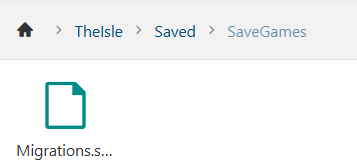
3. Right-click and select Delete, to confirm the deletion.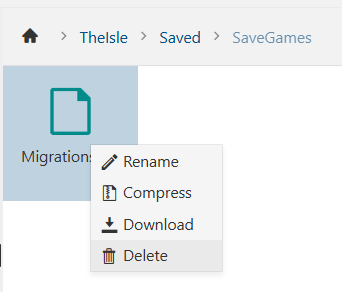
4. Start your server.
Did the above information not work for you?
Please click here to contact our support via a ticket.
