

Click here to order your Battle Grounds III server with Citadel Servers today!
1. Log in to your Game Control Panel.
2. Open the Mod Manager on the sidebar.
3. Locate and click Install MetaMod and SourceMod.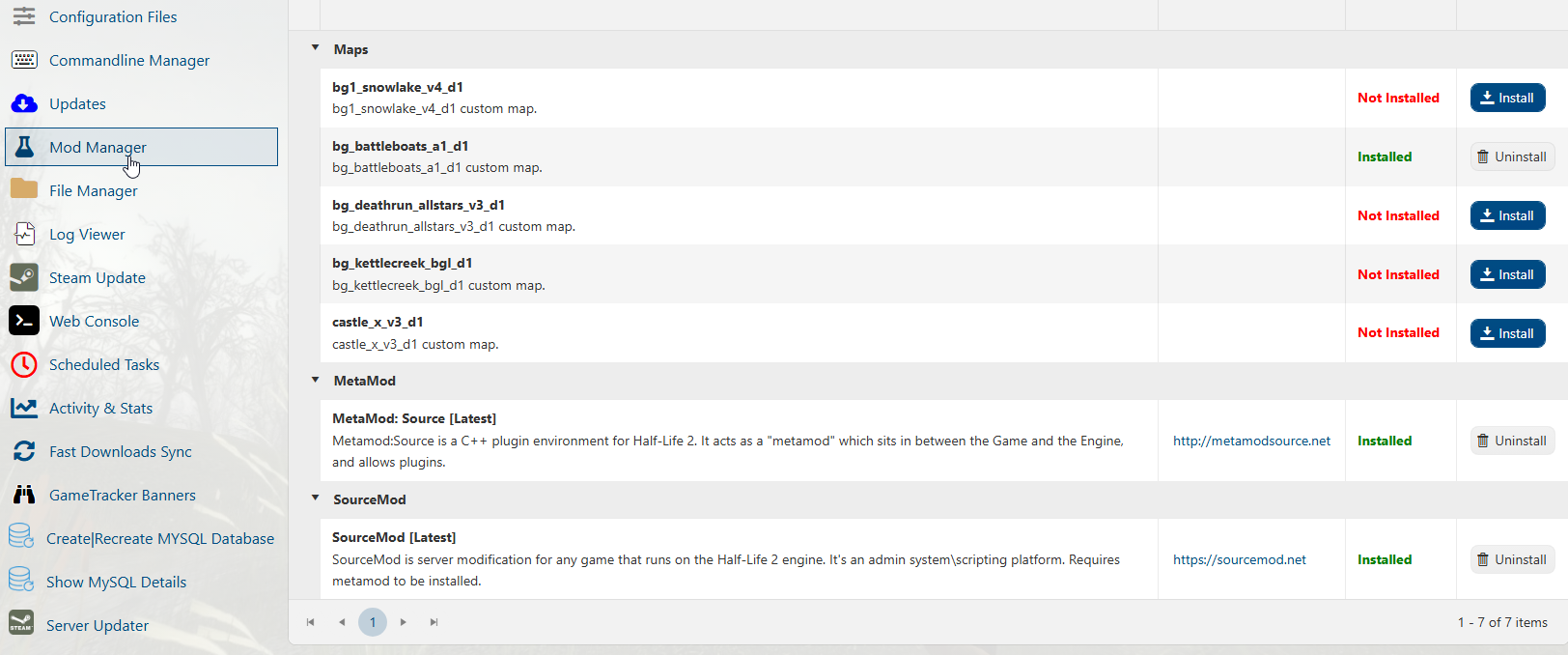
4. You can now install mods that require either dependency.
Did the above information not work for you?
Please click here to contact our support via a ticket.
