
The following guide will show you how to set your Long Dark game server to custom experience mode.
1. Log in to your Citadel Servers Game Panel and stop your server.
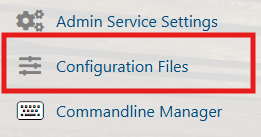
2. Go to the Configuration Files tab, then open the server configuration using the text editor.
3. To enable Custom mode, set the
ExperienceMode value to 4, then add the CustomExperienceStr line and input your custom code.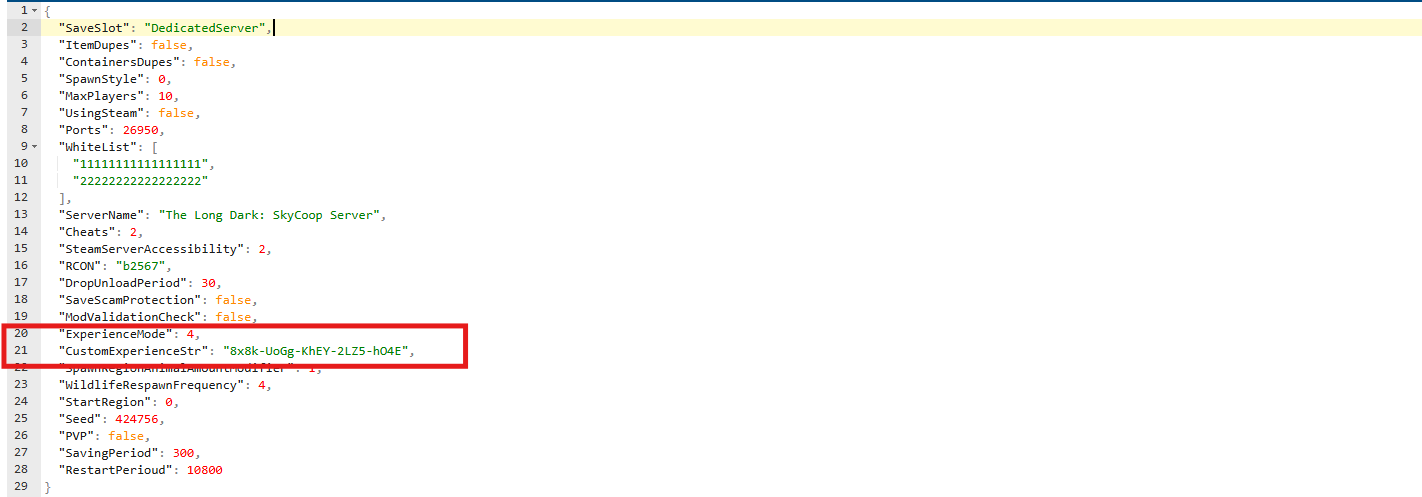
4. Save the changes and start your server.
Did the above information not work for you?
Please click here to contact our support via a ticket.
