

This guide will help you connect to your DeadLock Server.
Click here to order your DeadLock server with Citadel Servers today!
Connecting to your DeadLock server is the first step toward managing your world, configuring gameplay settings, and bringing players together in a secure, high‑performance environment. Whether you’re hosting a private session for friends or building a larger community server, understanding how to join reliably ensures everything else runs smoothly. DeadLock’s server system is designed to be lightweight and fast, but it still requires the right combination of network setup, client configuration, and server details to establish a stable connection.
Most players will connect using a direct IP address or a hostname, while server owners may also need to verify port forwarding, firewall permissions, or authentication settings, depending on how the server is hosted. These small technical steps determine whether your server is accessible only on your local network or open to players worldwide. Once connected, you gain full access to gameplay, admin tools, and any custom configurations you’ve added.
Connecting to Your DeadLock Server
1. Log in to your Game Control Panel and navigate to your service.
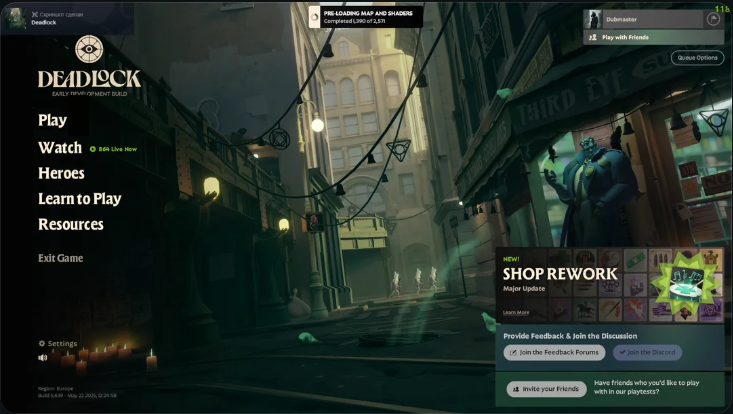
2. Start the server and launch the game.
3. Once in-game, click F7 to open the in-game console and type this command:
Connect IP: Port

Did the above information not work for you?
Please click here to contact our support via a ticket.
