
This quickstart guide will help you jumpstart your adventure on your Astro Colony Server.
Click here to order your Astro Colony server from Citadel today!
Astro Colony is a creative space-building and survival game where you construct thriving colonies among the stars. Whether you’re new to the game or looking for a refresher, this Quickstart Guide is designed to help you take your first steps into the cosmos with confidence and excitement. Starting in Astro Colony can feel overwhelming with its vast universe and complex mechanics. This guide simplifies the process, giving you a clear path to success so you can focus on creativity, exploration, and fun rather than confusion. Think of it as your mission briefing before embarking on an interstellar adventure.
How to Connect to your Enshrouded Server
1. Log in to your Game Control Panel and navigate to your service.
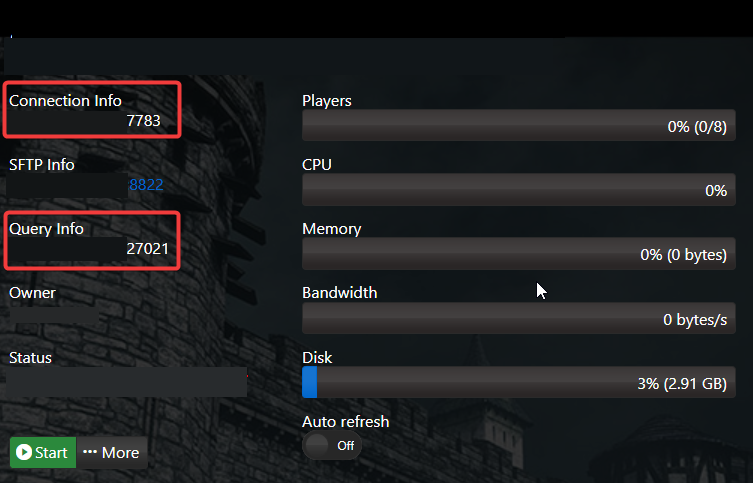
2. Copy the Connection Info/Query Port listed.
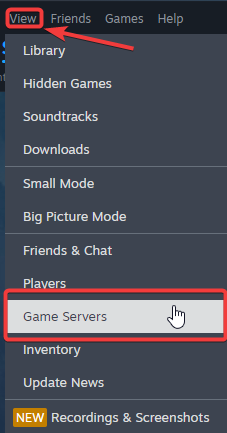
3. Open Steam. Click the View tab, then click Game Servers.
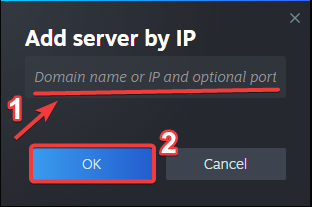
4. Click on the Favourites tab, then click the "+" sign and Add Server.
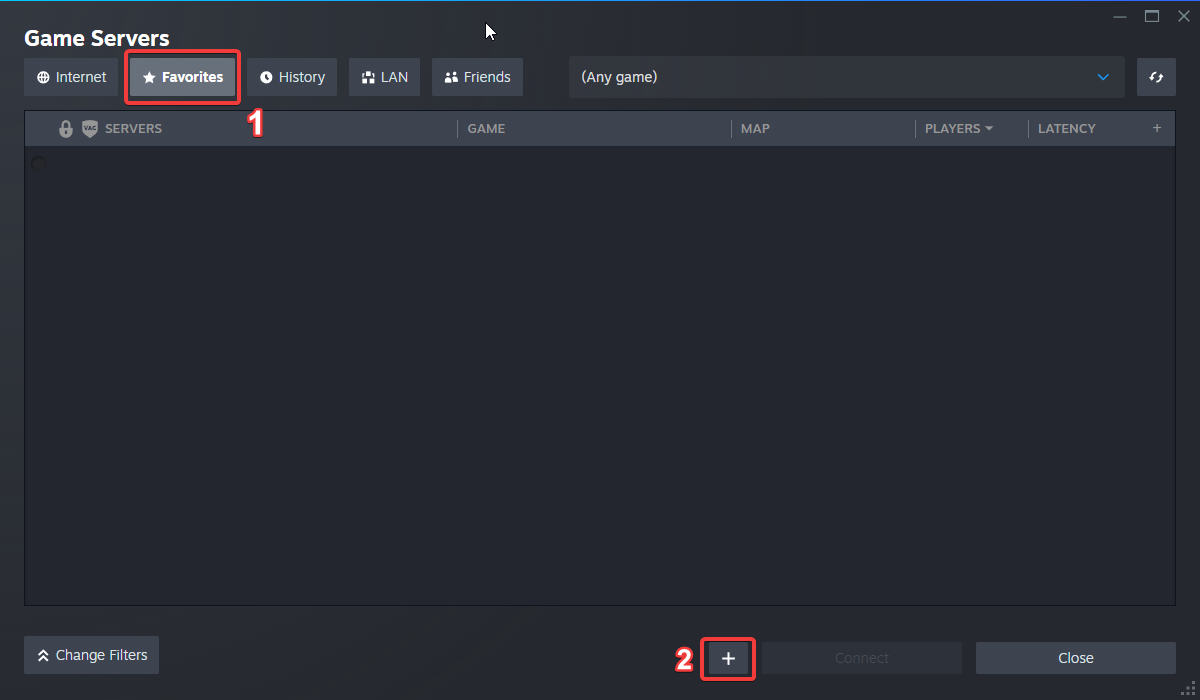
5. Paste in your server's Connection Info or Query Info IP/Port.
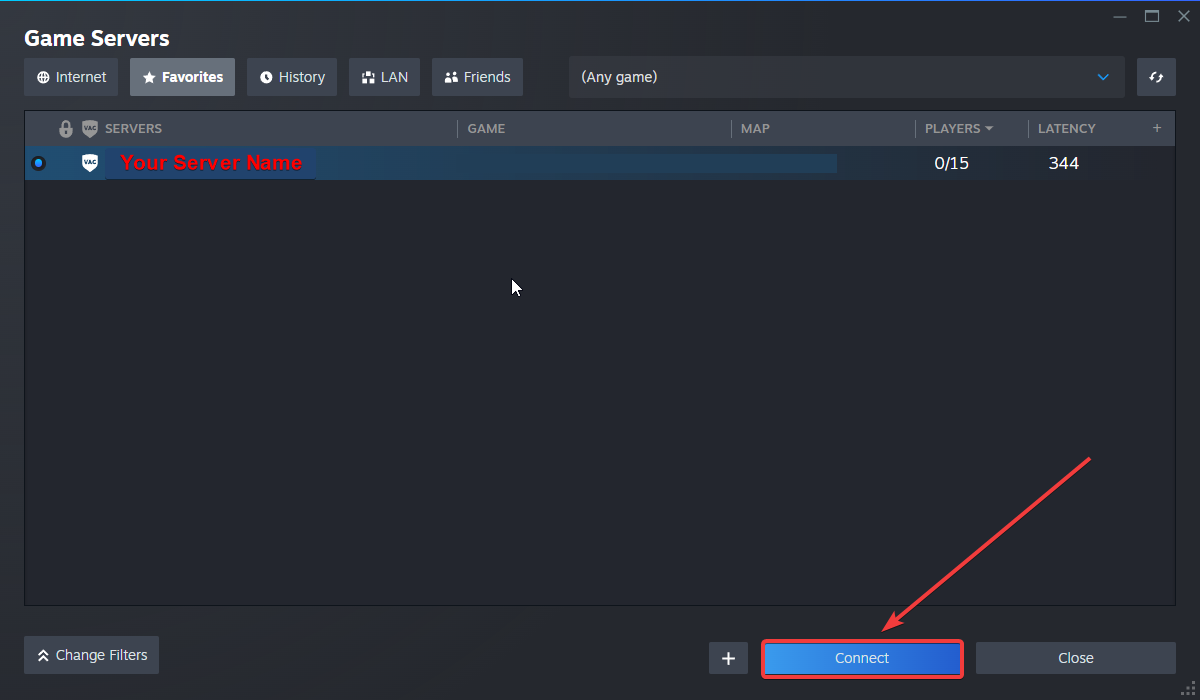
6. Click Connect.
Configuring your Server Name and Password
To edit these basic settings, follow these steps:
1. Log in to your Game Control Panel and navigate to your service.
2. Before making any modifications, stop the server from running by clicking the Stop button.

3. Go to the Configuration Files Tab.
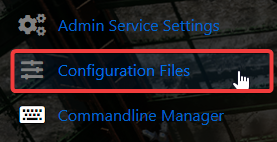
4. For the Configuration Files, select the Config Editor Button.
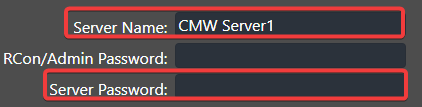
A pop-up will appear, and you can change the Server Name and Password.
5. After editing, click Save to apply the changes.

Did the above information not work for you?
Please click here to contact our support via a ticket.
